
Name-Based Case Searches
For a Moniteau County name search, go through the official Missouri Case.net. Pick Litigant Name Search. Enter the last name. Add a first name if you know it. Then narrow the court or location to Moniteau County or the 26th Judicial Circuit when that choice appears. Remember that the system is statewide. A common surname may pull results from far beyond the county. Before opening anything, compare the case number, filing date, case type, caption, and court location to be sure it is the right matter.
- Start at the Missouri Courts Case.net address rather than an imitation search site.
- Choose Litigant Name Search and enter the last name exactly as known.
- Add a first name to narrow a common result. Use a spelling variant if the first search is blank.
- Select Moniteau County or the 26th Judicial Circuit when the location control is available.
- Open the highlighted case number, then review the Case Header before reading Docket Entries.
A matching name alone proves little. Case style and case type are what separate distinct matters from one another. Court-access rules can also limit certain public roles and details, so a name result may look thin even when a public case exists.
Moniteau Docket Search Fields
Case.net offers different fields depending on how you search. You can search by name, number, filing date, or scheduled hearing. The search method comes first; the structure of the official tool decides what you can enter. A narrow query usually beats a broad statewide name sweep for a useful Moniteau docket search. The live portal can change its optional labels. So the table below separates documented fields from controls that may vary.
| Field | Type | Required | Format or use |
|---|---|---|---|
| Search Method | Dropdown or link | Yes | Litigant Name, Filing Date, Case Number, or Scheduled Hearings & Trials. |
| Location | Dropdown | Usually for a narrowed search | Select Moniteau County or the 26th Judicial Circuit when displayed. |
| Last and first name | Text | Last name for name search | Use the first name to reduce common-name results. |
| Case number | Text | Yes for number search | Enter the complete number from the court notice without adding spaces unless Case.net accepts them. |
| Filing-date range | Date controls | Paired for date search | Use a narrow range for recently filed cases. |
| Verification control | On-screen control | When shown | Follow the displayed characters and use New Characters if offered. |
Case Number Searches
Nothing beats a complete case number for a direct Moniteau County docket search. The local pattern runs year, MT county or circuit identifier, case-type code, then a sequence. A criminal-style example is 25MT-CR#####. Civil and domestic relations examples are 25MT-CV##### and 25MT-DR#####. Probate may use 25MT-PR##### or a P variant.
Treat those examples as patterns only; older Moniteau records may not follow the same code. Copy the number exactly as it appears on your citation, summons, or court notice. Municipal and traffic cases sometimes carry an MT case-type format. Other times they carry a uniform citation number. When you have the identifier, Case.net’s Case Number Search is the right first route, followed by the case header and the docket entries.
Moniteau Case Filing Dates
Filing Date Search helps when you know roughly when a case was filed but lack the number. Set a narrow start and end date. Then scan the results for the Moniteau or 26th Circuit location. The official materials describe paired date fields. They also warn that future dates may not work in some Case.net views. Keep in mind what a filing date is: the moment the case entered the system. It says nothing about the next hearing or a later order.
Once a result opens, check the Case Header for case type, status, court location, and filing date. Then move to Docket Entries and Scheduled Hearings & Trials. That order keeps the opening date separate from later litigation events. It also stops a broad date result from standing in for the full court record.
Case Search Results Explained
Case.net layers its public case information. Start with the Case Header, then work through Parties & Attorneys and Docket Entries. Depending on the case, the public interface may also display Charges, Judgments & Sentences, Civil Judgments, service information, filings due, garnishments or execution, and Scheduled Hearings & Trials. Case type and access rules decide which fields appear.
| Case number | The court’s unique identifier, including the Moniteau or circuit code when assigned. |
|---|---|
| Case style and parties | The formal caption and public party roles, subject to access limits. |
| Case type | The court classification, such as criminal, civil, domestic relations, probate, traffic, or municipal. |
| Filing date and status | The opening date and current public status or disposition information. |
| Docket entries | The dated chronological record of filings, orders, settings, and other case events. |
| Scheduled hearings | Current and prior setting information where publicly displayed. |
Chronological entries need careful reading. A charge is only an allegation; a motion is a request, not a ruling; a setting is not a disposition. A search result and a certified court record remain two different things.
Moniteau Docket Entry Links
A docket entry in blue, or hyperlinked, hints that a document sits behind it. But the link guarantees nothing about remote public access. Missouri’s File Viewer rules draw a line between a document that is available and one whose security level blocks a particular user. An entry with no link can mean there is no attachment. Or it may simply mean that access is unavailable. The label E-CASE marks a file as electronic rather than paper.
For the fine print on public-terminal access and security limits for electronic files, see the official Missouri eFiling FAQ.
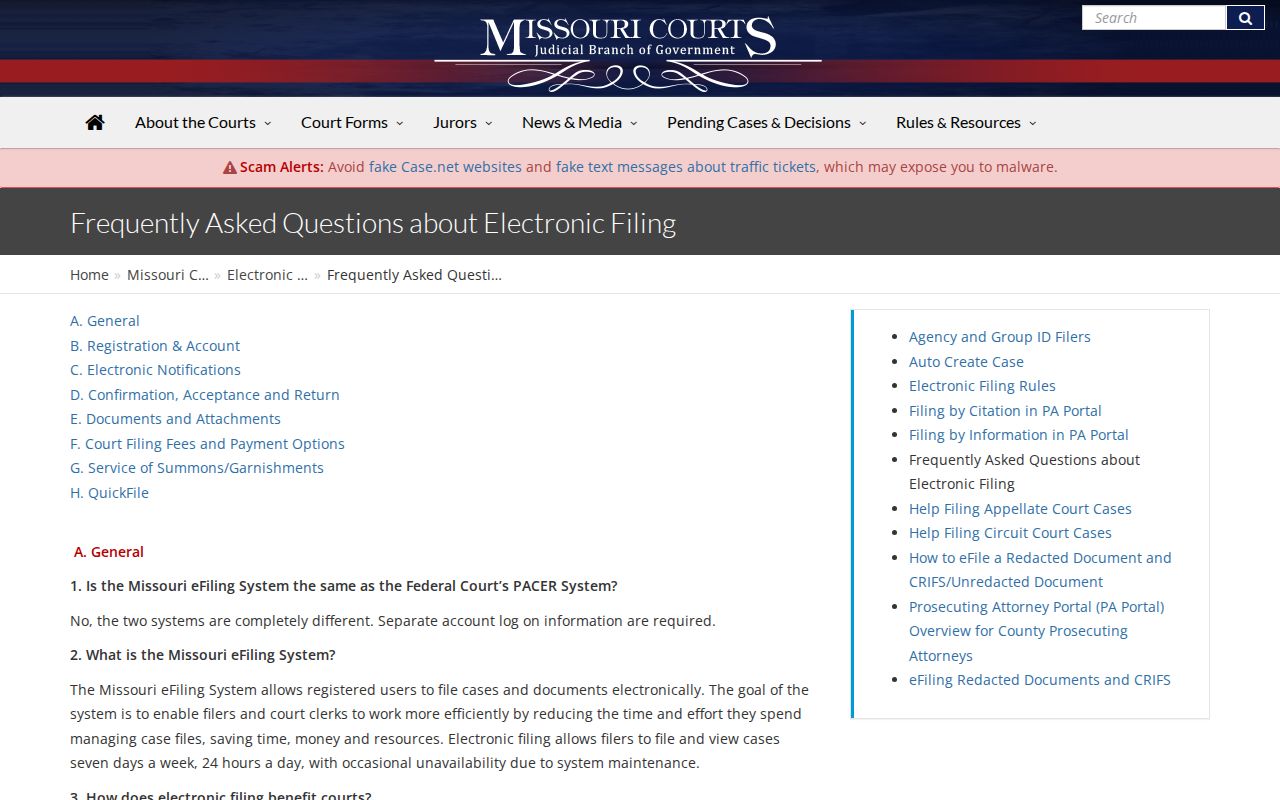
When a public document will not open remotely, ask court staff about the courthouse public-access terminal, or request the record from the Circuit Clerk. Printing a web result does not turn it into a certified copy.
The viewer can show a document category, title, date, case number or style, the E-CASE label, a security marker, and an authorized preview or open-file control. Together those details identify the Moniteau County document tied to a docket event. Filing-screen labels like attachments and document title describe the eFiling process for authorized filers, not proof that any member of the public can open the same document online.
Two Ways to Search: County and State
Moniteau County offers no separate county-built public docket portal. Both the statewide and local routes run through Case.net. The only difference is the scope you select inside the same system. A statewide search casts a wider net, while a Moniteau or 26th Circuit selection narrows results to the local court context. The courthouse terminal and the clerk are access channels, not rival online portals.
| Statewide Case.net search | Moniteau-narrowed Case.net search |
|---|---|
| Searches public participating Missouri court information across locations. | Uses the Moniteau County or 26th Circuit location when the live control provides it. |
| Useful when the court location is not known. | Useful for a known local notice, citation, party, or case number. |
| Can return more unrelated common-name results. | Helps compare the local case type, filing date, caption, and docket. |
| Does not replace the clerk for certification or security-limited documents. | Still uses the same Case.net access and document-security rules. |
Moniteau Case Search Alerts
Case.net can send alerts through its Track This Case feature. This applies once the public user completes the required verification. It works well for watching a known Moniteau case for later activity. Still, it is not an official court record. No alert replaces a notice, an order, or direct confirmation from the clerk. The official guide also covers a verification code. It adds a New Characters option when that control appears.
Treat a tracked message as a prompt. It is not a result. Before a hearing, open Scheduled Hearings & Trials and compare it with the court notice. For a document, take the security-aware File Viewer route or use the public terminal.
Which Cases Stay Restricted
Missouri court rules, statutes, and court orders shape what Case.net shows the public. Juvenile proceedings and social records stay confidential under RSMo §211.321. Limits also cover mental-health records, protected addresses, victim information, and confidential filing-information sheets. Sealed matters and some protection-order material can be restricted too. An expungement order makes covered records confidential under RSMo §610.140.
A restricted result may vanish. It may show only a bare header, or it may deny access to a document. Sealing, restriction, and expungement each mean something different. Confirm the court and case number with the Circuit Clerk, then request only the public portion or follow the applicable court-order or statutory route.
Moniteau Docket Search Failures
A blank search does not mean no case exists. Check spelling first. Then check the case number, the location, and the date range. A name may sit in a protected role. The case may sit in another court location, or the matter may be confidential. When Case.net is down or a record will not display, fallbacks still work. Use the courthouse public-access terminal or an in-person file request. You can also call the Circuit Clerk at (573) 796-2071. A narrow written Sunshine Law request works for a public record.
Skip private people-search sites that promise to beat a court-access restriction. The Missouri court recordkeeping rule permits automated searching while protecting confidential records. The court offers no official Moniteau bulk-data subscription or export function. For a specific Moniteau County case, keep the exact number. Also keep the public case style and the dated docket entry behind your question. Those details help the clerk in a real way. The clerk can then tell a missing search result from a document that ordinary remote access cannot reach.
Moniteau Docket Search Boundaries
Case.net covers state courts only. It does not pull federal case records, federal bankruptcy matters, or federal appeals. Those files live in separate court systems with their own clerks. The official U.S. Court of Appeals for the Eighth Circuit posts its own case information. That page covers Missouri federal appeals.
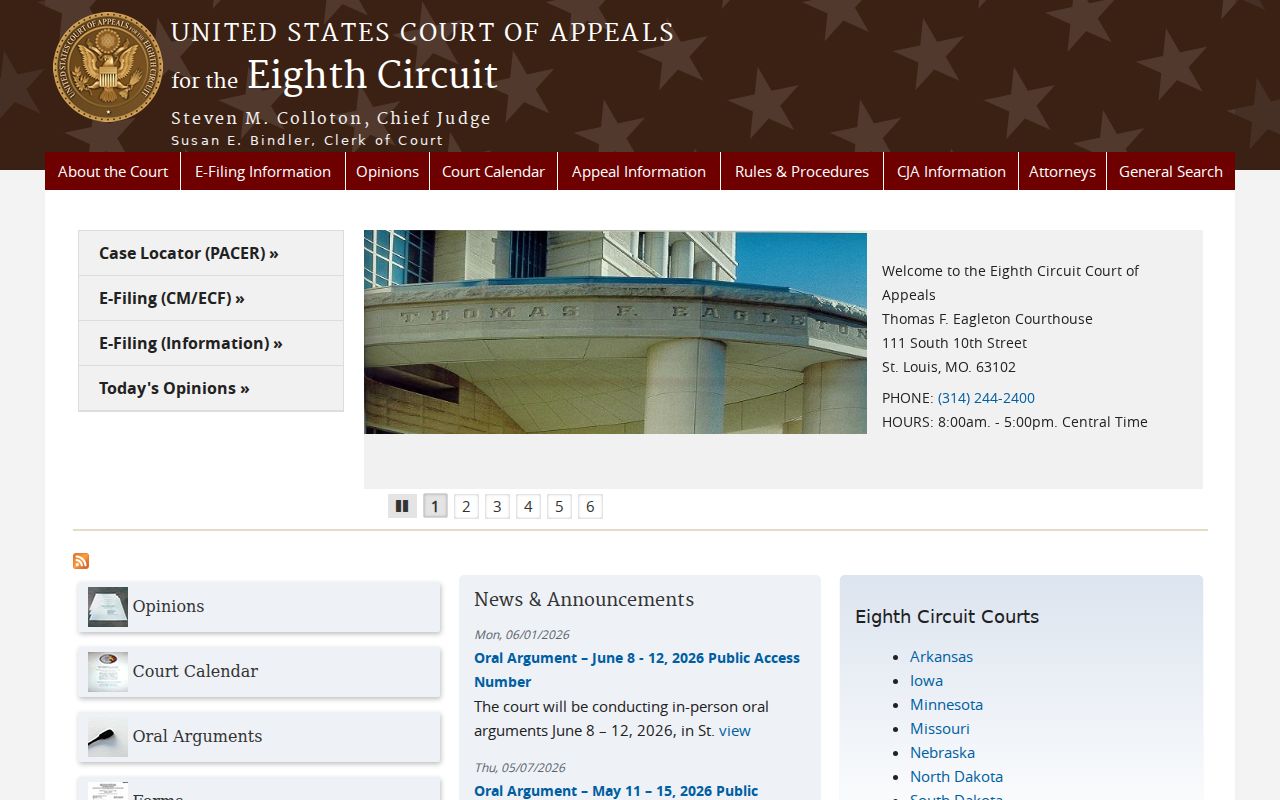
That boundary matters here. Whatever Case.net returns is a state-court case record. It carries its own public-access limits and its own document-security rules, entirely apart from any federal record system.